Photo to pixel art converter
Rebuild any photo from blocks: flat pixel art, a ruled pixel chart, plastic bricks, dice or keycaps. Every block size and palette change previews instantly in your browser.
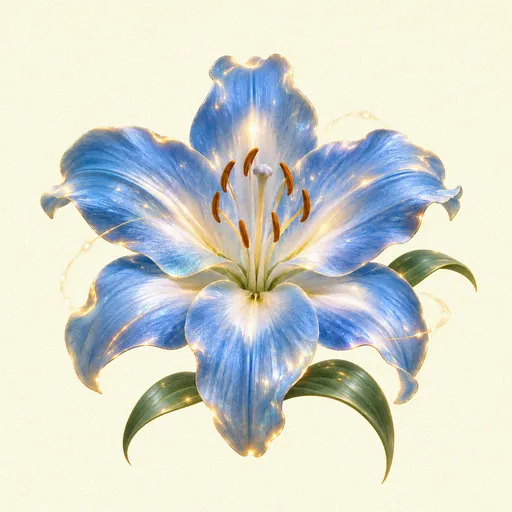
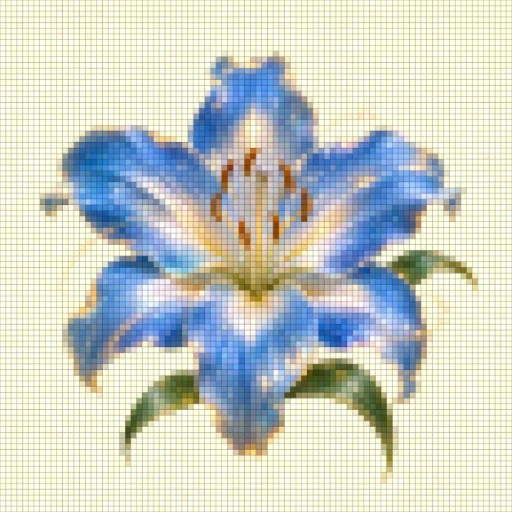
Pixel effects in RasterLab
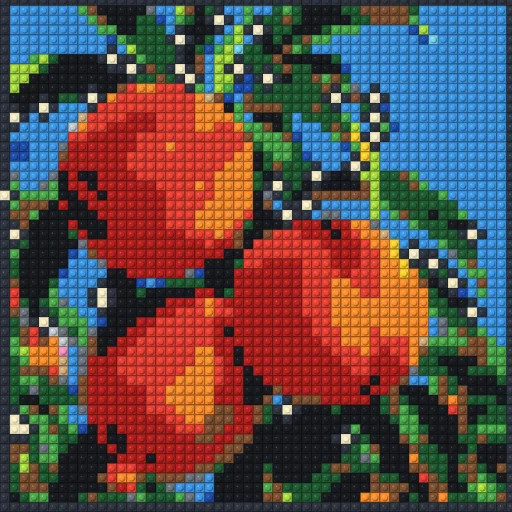
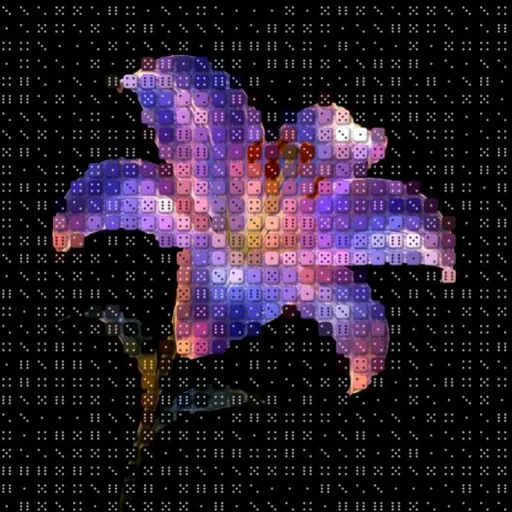
Pixel Grid (free) turns the picture into a pixel-art chart of cushioned squares in the photo’s own colours, with thin grid lines and an optional bold line every few cells, which is handy as a pattern for beads, perler or stitching. Brick Mosaic (free) rebuilds it from studded plastic bricks on a baseplate, and Dice (free) uses die faces for tone.
Pixel (Pro) is the full block effect: Flat pixel art, a grouted Mosaic or isometric Voxels, with a palette option (Game Boy, CGA, PICO-8, C64, NES and more), shading bands, outlines and motion styles. Keycaps (Pro) builds the picture from 3D keyboard keys.
Because each block is computed on the GPU, you can drag Block Size from a few chunky pixels to fine detail and see the result immediately, even on a large photo.
Before and after
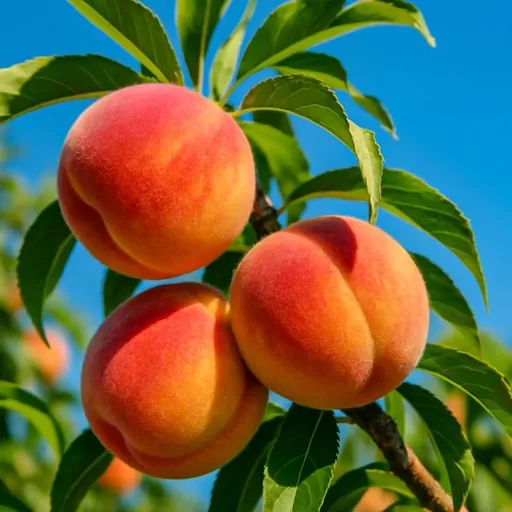
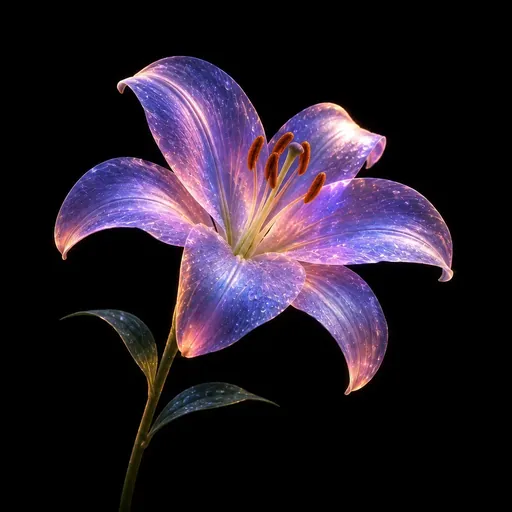
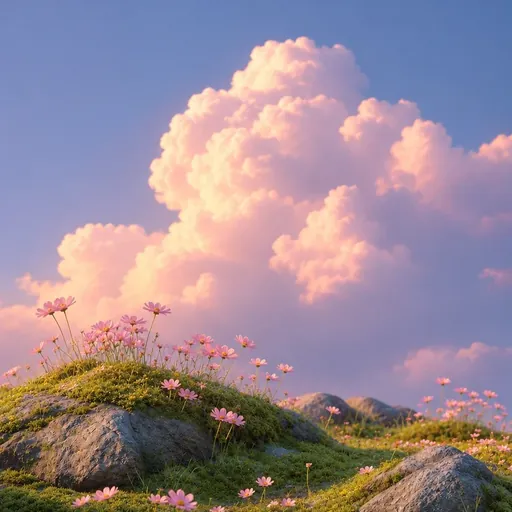
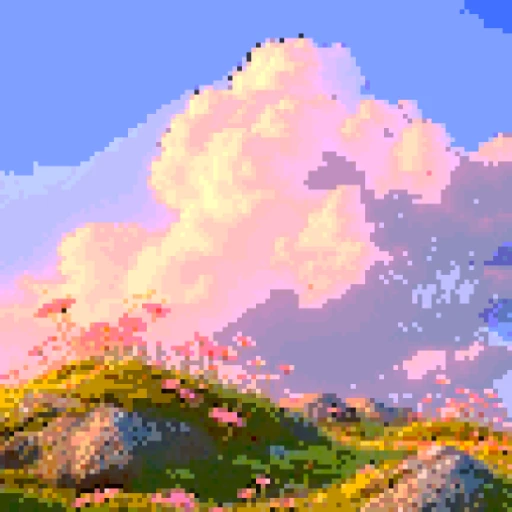
How to turn a photo into pixel art
- 1
Open the studio and drop in a photo. Simple shapes and strong contrast pixelate best.
- 2
Click Pixel Grid or Brick Mosaic in the Pixel category (free), or Pixel for palettes and voxels (Pro).
- 3
Set the block size: fewer, bigger blocks look more like classic sprites.
- 4
Reduce Color Steps, or choose a palette in Pixel, to limit the colours.
- 5
Export a PNG to keep hard pixel edges, or a GIF or video if you added motion.
What people make with it
- Retro game-style portraits and avatars
- Patterns for perler beads, cross-stitch and brick builds
- Pixel-art posters, stickers and social graphics
- Mosaic and voxel textures for game and web projects
Pixel, mosaic and block effects
Pixel Grid
FreeA pixel-art chart of soft cushioned squares in the photo’s colours, ruled by thin grid lines.
Brick Mosaic
FreeThe picture rebuilt from studded plastic bricks on a baseplate, with outline bricks around shapes.
Dice
FreeA mosaic of dice, each showing the face that matches the tone beneath it.
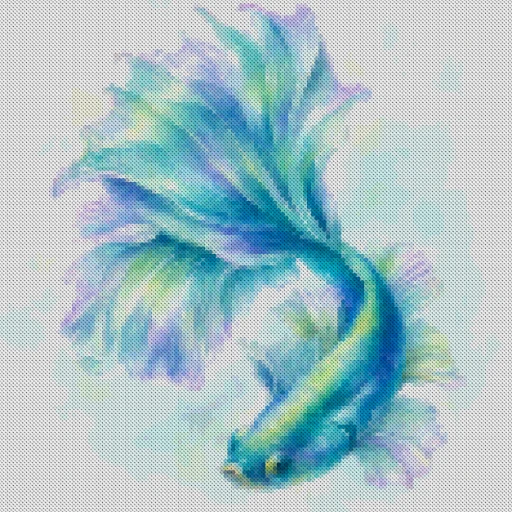
Needlepoint
FreeEvery square a full cross of thick, twisted thread in the picture’s own colours.
Pixel
ProFlat pixel art, grouted mosaic or isometric voxels, snapped to a retro palette.
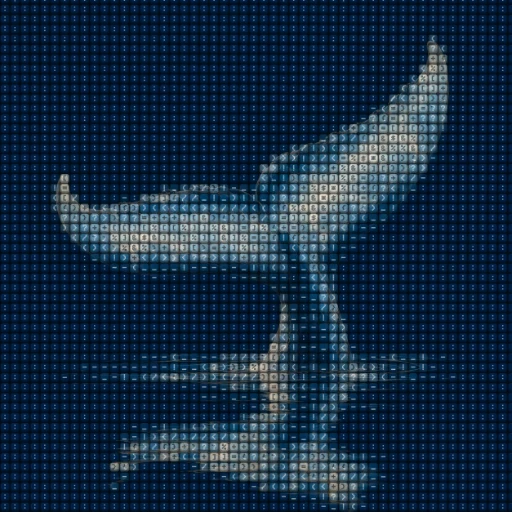
Keycaps
ProA keyboard of 3D keycaps, each the colour of the image beneath it.
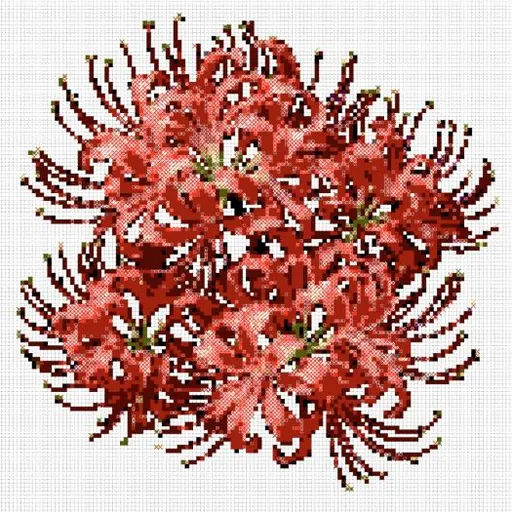
Cross Stitch
ProA cross-stitch chart of solid blocks, stars, crosses and half stitches on dotted grid paper.
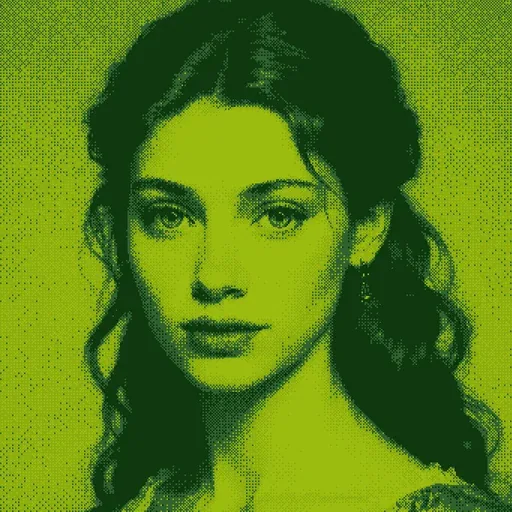
Dither
FreeBayer, halftone, line and noise dithering, snapped to retro palettes such as Game Boy, CGA, PICO-8 or 1-bit.
Free effects need no account. Pro effects are part of RasterLab Pro.
Questions
Is the pixel art converter free?
Pixel Grid, Brick Mosaic, Dice and Needlepoint are free. Pixel (with palettes, mosaic and voxel styles), Keycaps and Cross Stitch are part of RasterLab Pro.
Can I limit the image to a retro palette?
Yes. Pixel has Game Boy, CGA, PICO-8, C64, NES, 3-bit RGB and other palettes. On the free plan, the Dither effect offers the same palettes with a dither pattern.
Can I export at a larger size without blurring?
Yes. Export at 2× (or 3× and 4× with Pro). Blocks are recomputed at the new size rather than stretched, so edges stay sharp.
Can I get a printable pattern or bead count?
Pixel Grid produces a gridded chart image you can print or follow, but RasterLab doesn’t output colour counts or a shopping list.
Is my photo uploaded?
No. RasterLab runs in your browser: the picture opens straight onto your own graphics card and is never uploaded to a server.
Keep exploring
- Dithering Image dithering tool
- Halftone Halftone generator
- ASCII art generator Online ASCII art generator
- Glitch & retro effects Glitch, VHS and CRT effects
Try it on your own image.
Runs in your desktop browser. No install, no upload, and no account for the free effects.