Online ASCII art generator
Go beyond a one-click conversion. RasterLab lets you paint ASCII by hand, animate the characters, colour them with a gradient and layer them with glows, grain or glitches, all in a browser tab.
More than a converter
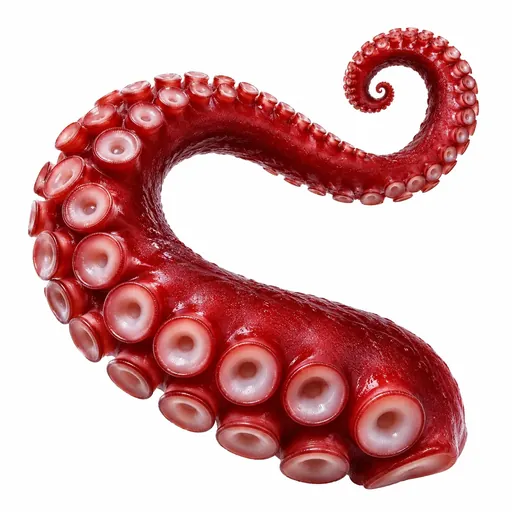
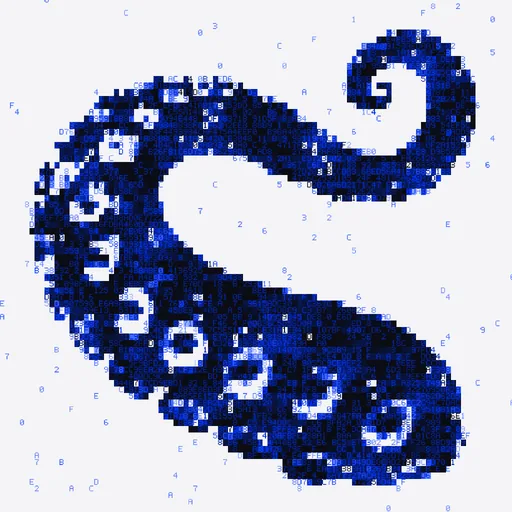
Every ASCII effect in RasterLab is a GPU shader with its own live controls, so the same photo can become a clean terminal print, a field of hexagons, a dissolving block pattern or a constellation of star glyphs. Effects stack: put Bloom over ASCII Art for glowing characters, or Grain and CRT / VHS on top for a worn screen.
The Draw ASCII brush, opened from the Custom tab, lets you paint characters yourself, on top of your image or on a blank canvas, with any character you type. Masking lets you brush an effect off part of the picture, for example to keep a face clear and ASCII on the background.
ASCII Art can move: its animation styles (Jitter, Flicker and Wave) and the Digital Rain effect animate over time, and you can record the result as a GIF, an animated PNG (Pro) or an MP4 or WebM video.
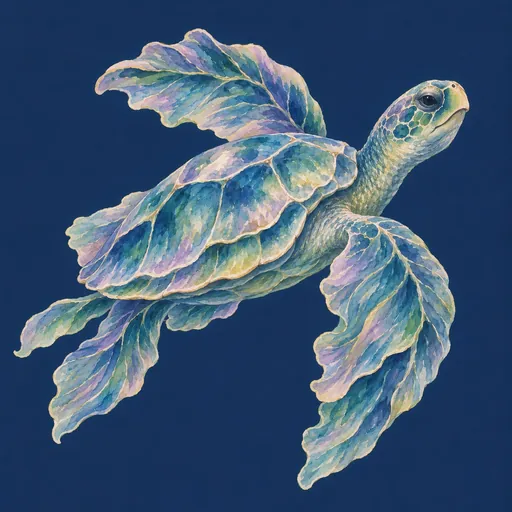
Before and after
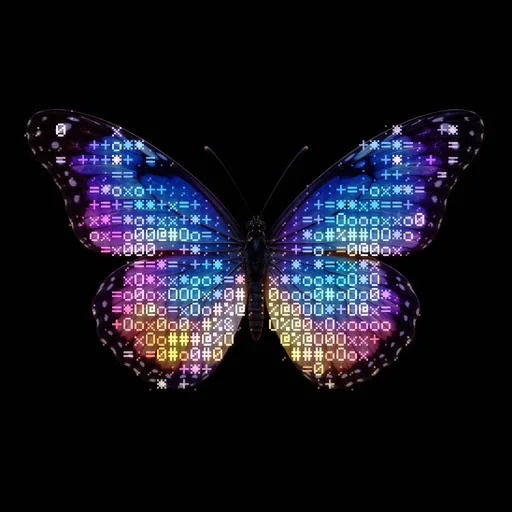
How to make ASCII art from scratch or from a photo
- 1
Open the studio. Drop in a photo, or start on a blank canvas if you want to draw.
- 2
Pick an ASCII effect such as ASCII Art, Dissolve or Glyphs, or open the Custom tab and choose Draw ASCII to paint characters by hand.
- 3
Change the character set, colours (the photo’s own, a single colour or a two-colour gradient) and background (original, a solid colour, or transparent with Pro).
- 4
Add a second layer, such as Bloom or Grain, for glow or texture. Free accounts can stack two layers; Pro removes the limit.
- 5
Export a still image, or set an animation style and record a GIF or video.
What people make with it
- Hand-drawn ASCII lettering and signatures over a photo
- Animated ASCII backgrounds for streams, music visuals and websites
- Glitch-art and terminal aesthetics for social posts
- Character-based textures to use in other design tools (transparent PNG export with Pro)
Effects to generate ASCII art with
Dissolve
FreeDark areas fill in as solid character blocks while light areas break up into stray glyphs.
Honeycomb
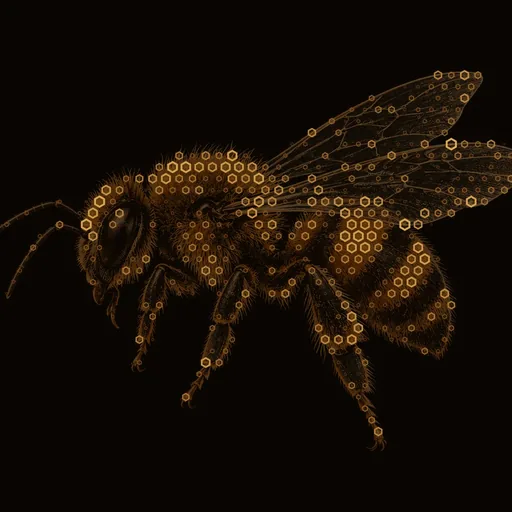
FreeEvery cell a small hexagon, sized and coloured by the picture beneath it.
Glyphs
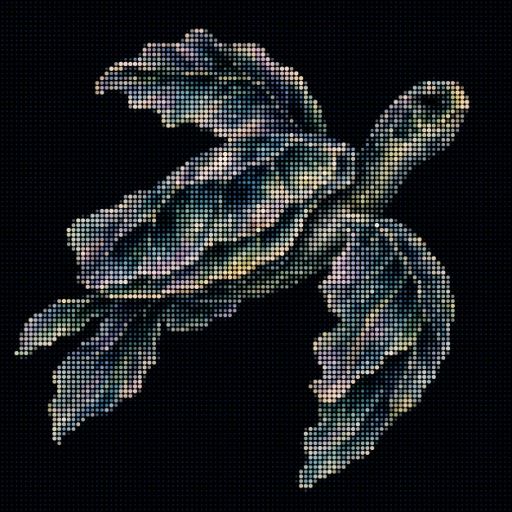
FreeDots, crosses, diamonds, strokes, block shades, pixel-font type or braille, sized by the image.
Digital Rain
FreeFalling streams of characters over the image, with a glowing head on each stream.
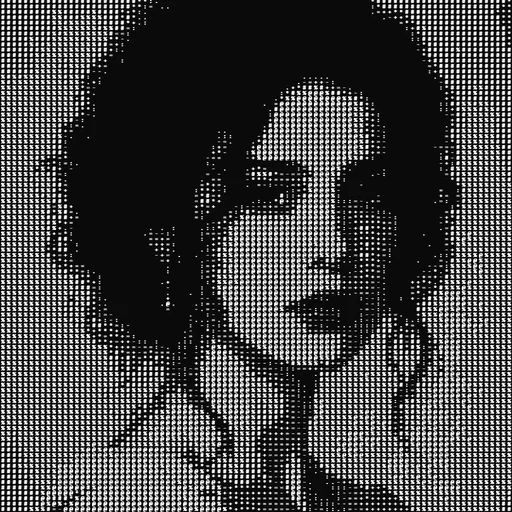
ASCII Art
FreeReal typed characters mapped to the brightness of the picture, in mono, colour or green-on-black terminal style.
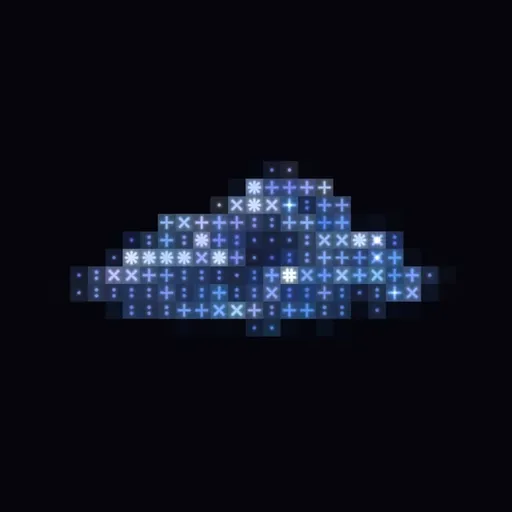
Dream ASCII
FreeSoft pastel glyphs in the picture’s own colours, each with a halo, over a starry night sky.
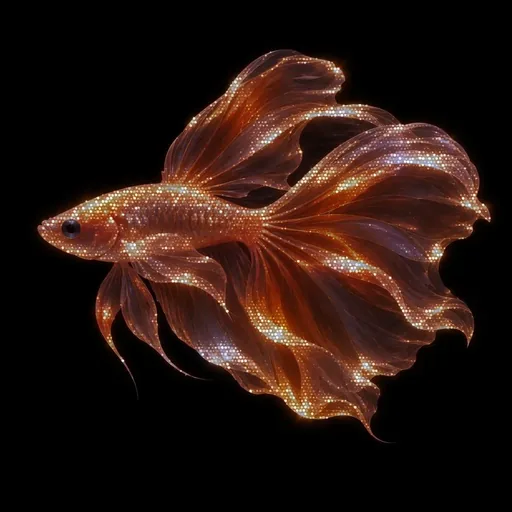
Stardust
ProThe image redrawn in small star glyphs that glow and flare.
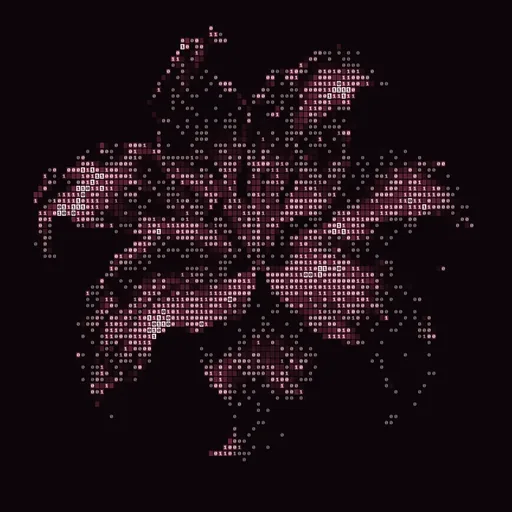
Tile ASCII
ProA terminal grid where every character sits on its own lit tile.
ASCII Galaxy
ProCrisp glowing glyphs in violet-blue over a night-tinted copy of the image.
Free effects need no account. Pro effects are part of RasterLab Pro.
Questions
What is the Draw ASCII brush?
A free drawing tool in the Custom tab that paints characters wherever you brush, on top of your image or on an empty canvas. You choose the characters it uses.
Which character sets are included?
ASCII, Blocks, Symbols, Geometric, Code, Suits, Diamond, Heart, Spade, Club, Line, Plus, Studio, Stars and Sparkle, plus a custom set of up to 32 characters you type yourself.
Can I make animated ASCII art?
Yes. Set an animation style on ASCII Art or use Digital Rain, then export a GIF, an MP4 or WebM video, or an animated PNG with Pro.
Can I export ASCII art with a transparent background?
Yes, with RasterLab Pro: set the background to Transparent and export a PNG or an animated PNG.
Do I need to install anything?
No. RasterLab runs in a desktop web browser with WebGL. There is nothing to download and no account needed for the free features.
Keep exploring
- Image to ASCII Image to ASCII art converter
- Glitch & retro effects Glitch, VHS and CRT effects
- Pixel art Photo to pixel art converter
- Shader editor Online GLSL shader editor for images
Try it on your own image.
Runs in your desktop browser. No install, no upload, and no account for the free effects.