Halftone generator
Give a photo the look of newsprint, comics and screen printing. RasterLab’s Halftone effect builds the screen live on your GPU, so you can change the dot size, angle and ink while you watch.
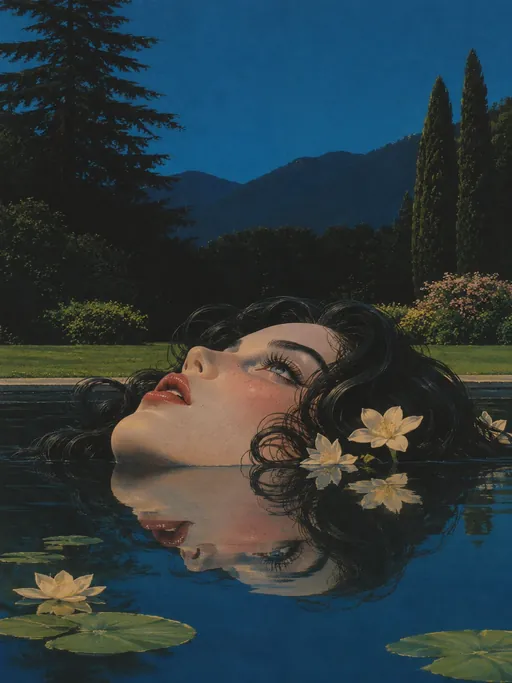
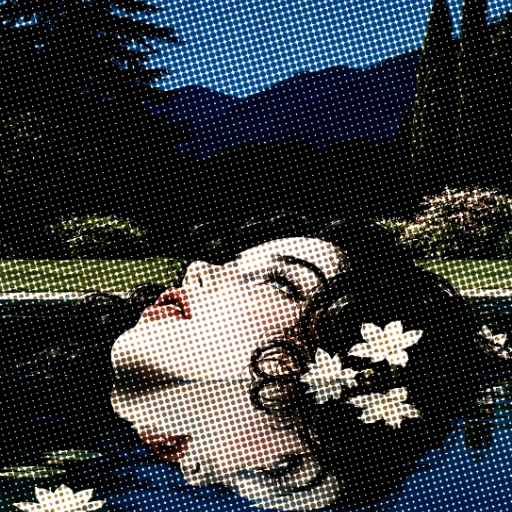
Halftone screens, live
A halftone reproduces tones with marks of different sizes: big dots in the shadows, small dots in the highlights. Printers used it because a press can only lay down solid ink.
RasterLab’s Halftone effect has six patterns (Dots, Grid Dots, Lines, Rings, Mesh and Strings), with controls for screen size, angle, maximum ink, edge softness, waviness and jagged edges. Ink can be a single colour, the photo’s own colour, or separate RGB screens, and the paper can be any colour or transparent.
Halftone is a Pro effect. On the free plan you can get a simpler halftone from the Dither effect, which has Halftone and Radial dot patterns, or from Glyphs in its Dots style.
Before and after
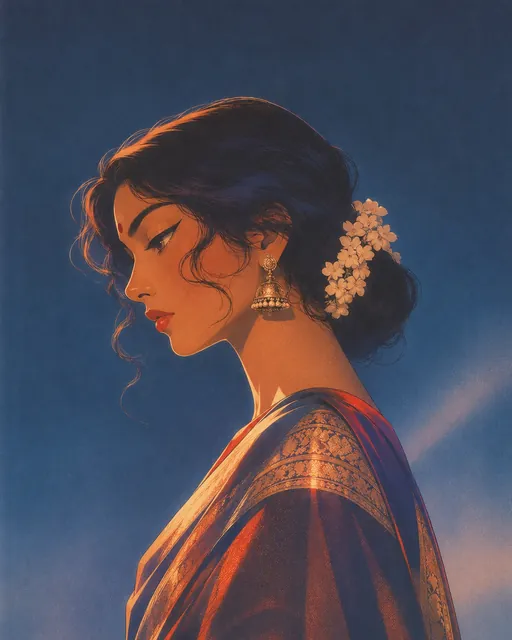
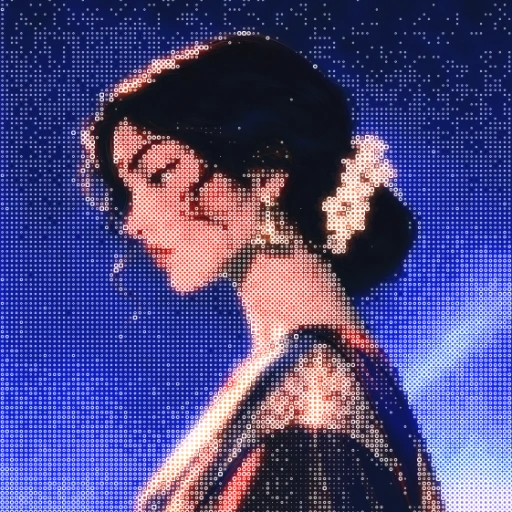
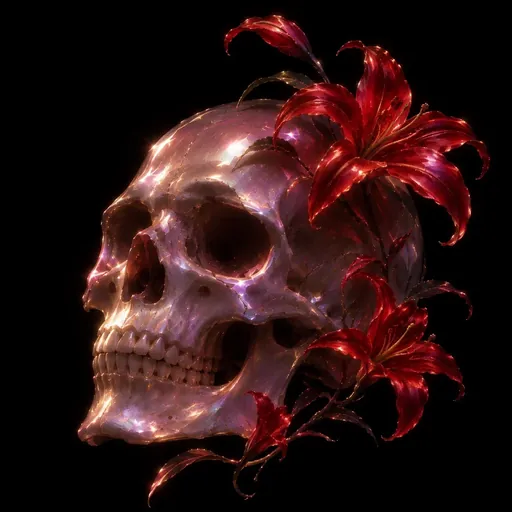
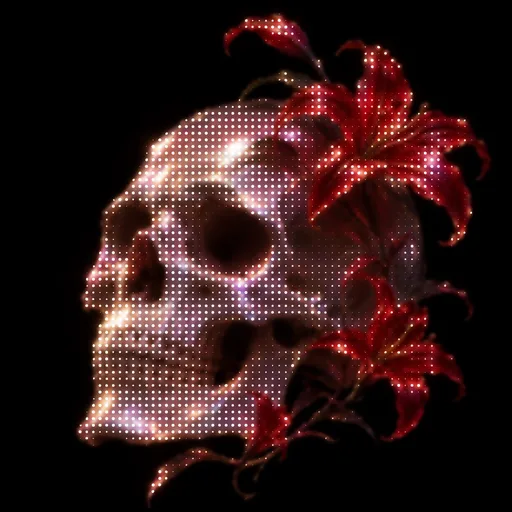
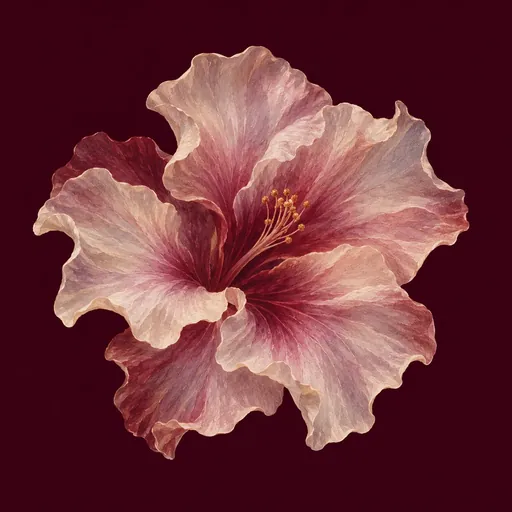
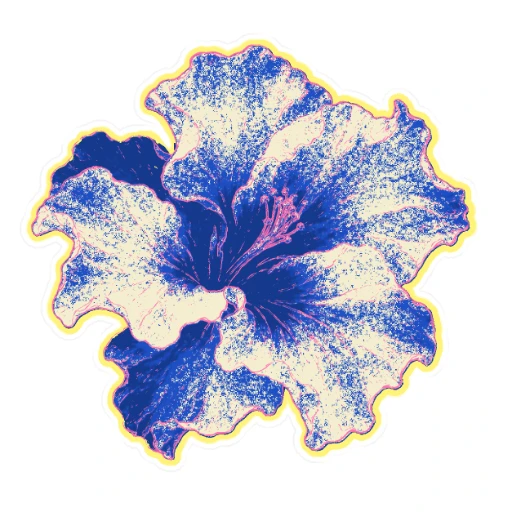
How to make a halftone image
- 1
Open the studio and drop in a photo.
- 2
Click Halftone in the Texture category (Pro), or Dither and set its Algorithm to Halftone (free).
- 3
Choose a Pattern and set Screen Size: larger screens read as pop art, smaller ones as print.
- 4
Set the Angle (45° is the classic black screen) and choose Mono, Photo or RGB ink.
- 5
Set the Paper colour or make it transparent, then export a PNG.
What people make with it
- Pop-art and comic-book portraits
- Posters and merch artwork destined for screen printing
- Newspaper and zine-style editorial images
- Transparent halftone textures to layer in other design tools
Halftone and dot effects
Halftone
ProPrint screens of dots, lines, rings, mesh or wavy strings, in one ink, the photo’s colour or RGB.
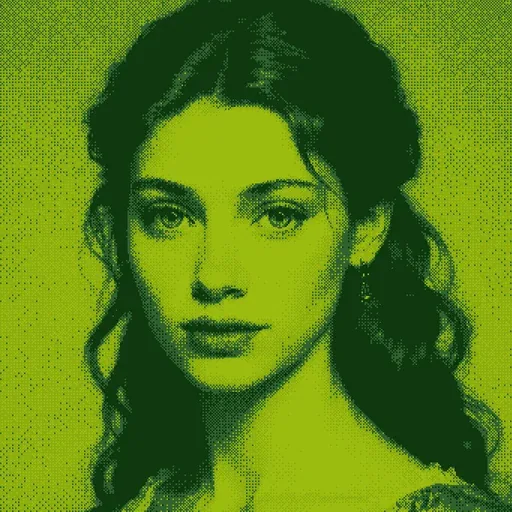
Dither
FreeBayer, halftone, line and noise dithering, snapped to retro palettes such as Game Boy, CGA, PICO-8 or 1-bit.
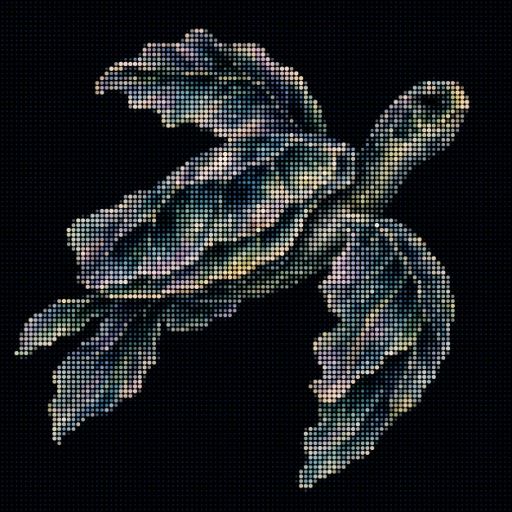
Glyphs
FreeDots, crosses, diamonds, strokes, block shades, pixel-font type or braille, sized by the image.
Halo Dots
ProPosterized, blue-tinted and redrawn in glowing rings over a dimmed copy of the picture.
Dot Bloom
ProA soft glow with a fine white dot mesh over the highlights.
Riso
ProGrainy risograph ink with off-register line art, cut out as a sticker.
Free effects need no account. Pro effects are part of RasterLab Pro.
Questions
Is the halftone generator free?
The full Halftone effect is part of RasterLab Pro ($4.99 a month, or $19.99 a year). The free Dither effect includes Halftone and Radial dot patterns, and Glyphs has a free Dots style.
Can I make a CMYK-style colour halftone?
The Halftone effect’s RGB ink mode prints separate red, green and blue screens, and Photo mode prints each dot in the picture’s own colour. There is no dedicated CMYK separation.
Can the halftone have a transparent background?
Yes. Set Paper to Transparent and export a PNG (transparent export is part of Pro).
What resolution can I export?
The original size or 2× on the free plan, and 3× or 4× with Pro, within what your graphics card can render.
Is my photo uploaded?
No. RasterLab runs in your browser: the picture opens straight onto your own graphics card and is never uploaded to a server.
Keep exploring
- Dithering Image dithering tool
- Pixel art Photo to pixel art converter
- Image to ASCII Image to ASCII art converter
- Glitch & retro effects Glitch, VHS and CRT effects
Try it on your own image.
Runs in your desktop browser. No install, no upload, and no account for the free effects.