
Glitch, VHS and CRT effects
Break a picture on purpose. Stack digital glitches, VHS tracking noise, CRT curvature, RGB splits and grain, watch them move in real time, and export a still or a loop.
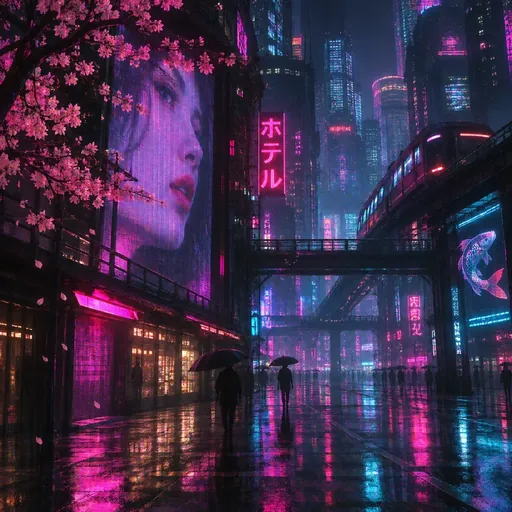
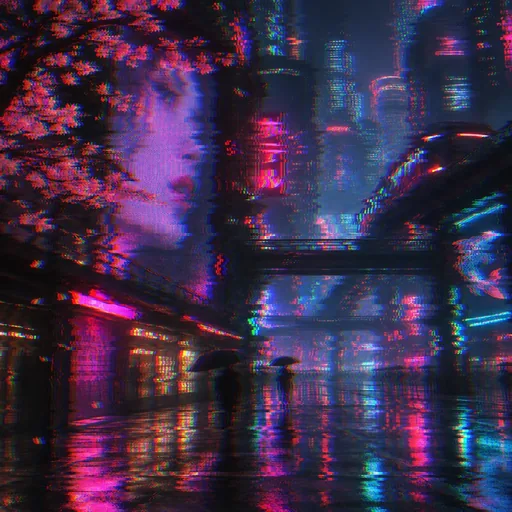
Retro and experimental effects
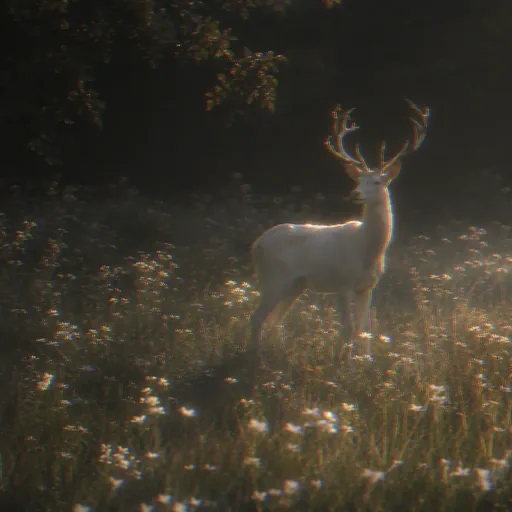
Glitch displaces blocks of the image and tears the colour channels apart, with controls for amount, block size, speed and seed. CRT / VHS covers three looks in one: a curved CRT with scanlines and vignette, plain scanlines, or crushed VHS static with line jitter.
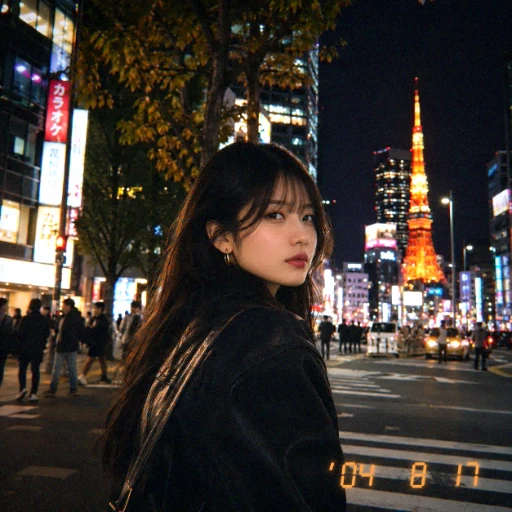
Chromatic separates the red, green and blue channels along an angle or radially like a cheap lens, Grain adds film grain or digital static, and Displacement warps the picture along moving noise. Digicam (Pro) recreates an early-2000s point-and-shoot, flash, JPEG blocks and date stamp included.
These effects animate, so they suit video: open an MP4 or WebM clip, or record a GIF or video of a still image as the glitches move.
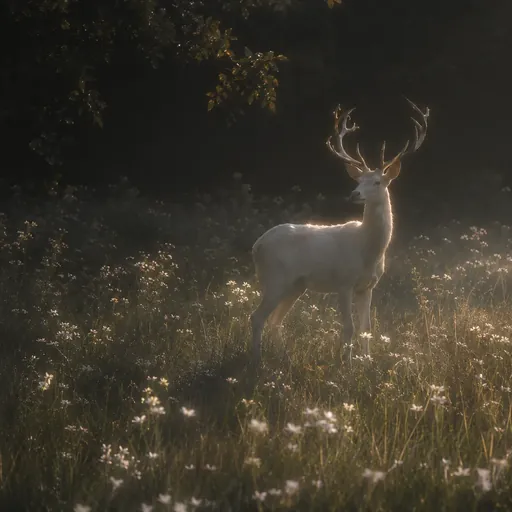
Before and after
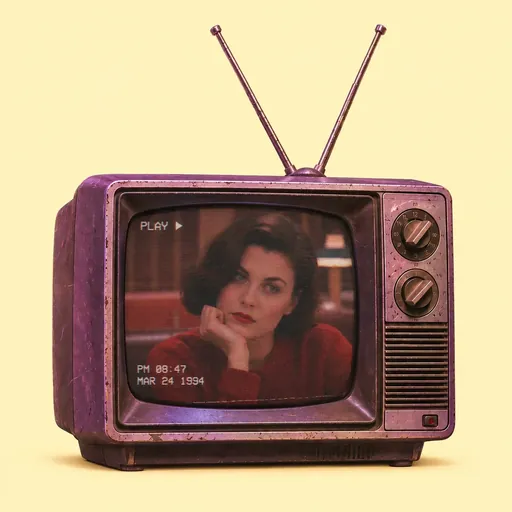
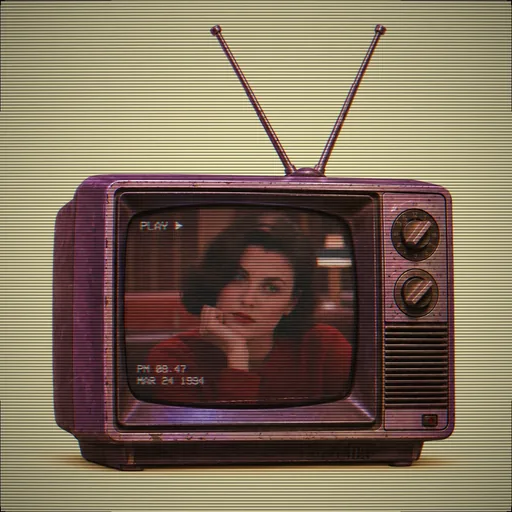

How to add a glitch effect
- 1
Open the studio and drop in a photo or a short video.
- 2
Click Glitch (Distortion category) or CRT / VHS (Retro category).
- 3
Adjust Amount and Block Size for the glitch, or switch CRT / VHS between CRT, Scanlines and VHS Static.
- 4
Stack Chromatic or Grain on top for extra texture.
- 5
Export a PNG for a still, or a GIF or MP4 to keep the motion.
What people make with it
- Album art, cover images and posters with a vaporwave or glitch-art look
- Animated loops for music visuals, streams and social video
- Retro TV and camcorder looks for video clips
- Experimental textures to combine with ASCII, dither or pixel effects
Glitch and retro effects
Glitch
FreeDigital block displacement with colour-channel tearing, animated over time.
CRT / VHS
FreeA curved CRT screen, plain scanlines, or crushed VHS static with tracking glitches.
Chromatic
FreeRGB channel split along an angle, or lens-like radial colour fringing.

Grain
FreeAnimated analog film grain or digital static.
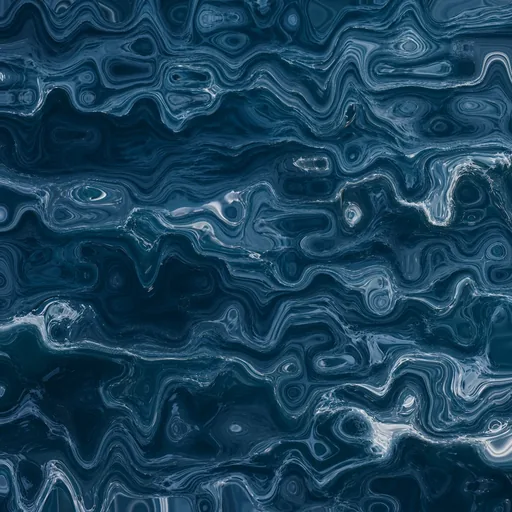
Displacement
FreeWarps pixels along an animated noise field.
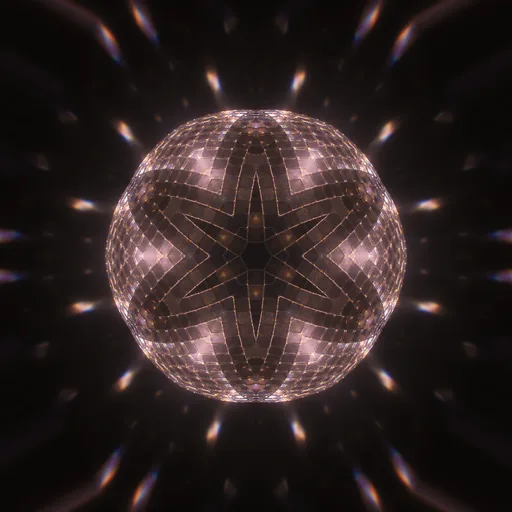
Kaleidoscope
FreeMirrored radial segments around the centre.
Digicam
ProAn early-2000s point-and-shoot: harsh flash, JPEG blocks, noisy shadows and a date stamp.
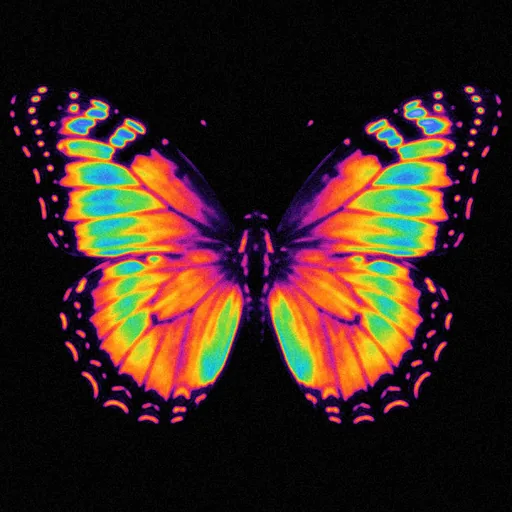
Thermal
ProA heat-camera look with a heat palette, glowing halo and sensor grain.
Free effects need no account. Pro effects are part of RasterLab Pro.
Questions
Are the glitch effects free?
Glitch, CRT / VHS, Chromatic, Grain, Displacement and Kaleidoscope are free. Digicam and Thermal are part of RasterLab Pro.
Can I glitch a video?
Yes. Open a short MP4 or WebM clip; every frame goes through your effect stack, and you can export MP4 or WebM video or a GIF.
Can I make the glitch animate on a still image?
Yes. Glitch, CRT / VHS and Grain move over time. Export a GIF or a video to capture the motion.
How many effects can I stack?
Two layers on the free plan, unlimited with Pro.
Is my media uploaded?
No. RasterLab runs in your browser: the picture opens straight onto your own graphics card and is never uploaded to a server.
Keep exploring
- Dithering Image dithering tool
- ASCII art generator Online ASCII art generator
- Pixel art Photo to pixel art converter
- Shader editor Online GLSL shader editor for images
Try it on your own image.
Runs in your desktop browser. No install, no upload, and no account for the free effects.