Image to ASCII art converter
Drop in a photo and RasterLab redraws it in real typed characters, live, as you move the sliders. It runs on your own GPU in the browser, so nothing is uploaded and large images stay responsive.
How the ASCII conversion works
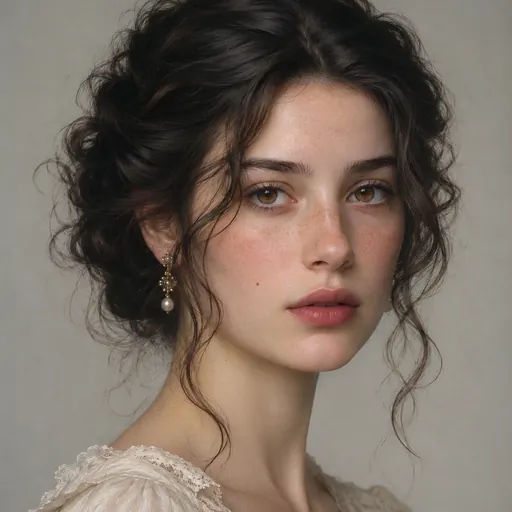
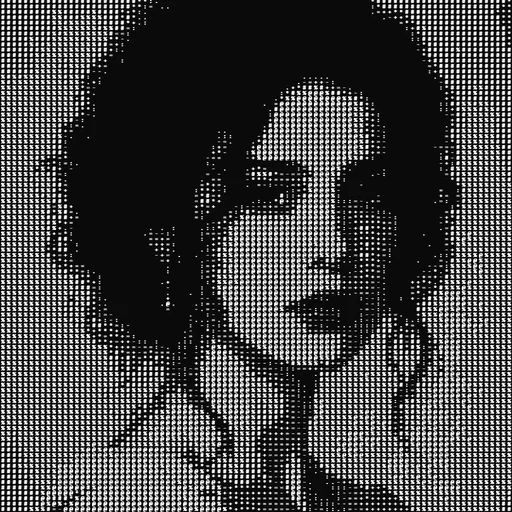
The ASCII Art effect splits the picture into a grid of cells and measures how bright each cell is. It then picks a character from a ramp that runs from light to dense, so a space or a dot lands in the highlights and a # or @ in the shadows. The characters are drawn from a real font atlas, not approximated with shapes, which keeps them crisp at any export size.
You control the grid with Font Size and Character Spacing, the ramp with 15 built-in character sets (ASCII, Blocks, Symbols, Code, Stars and more) or up to 32 characters of your own, and the tone with brightness, contrast, gamma, black and white points and edge emphasis. The Mode switch picks plain mono characters, characters in the photo’s own colours, or a green terminal look.
The result is an image, not a text file: RasterLab renders the characters onto the canvas and exports PNG, JPG or BMP, or a GIF or video if the source moves. If you need copy-and-paste text, a text-based converter is the better fit.
Before and after
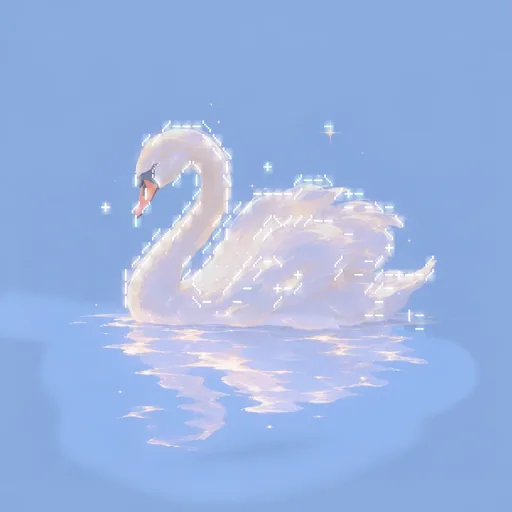
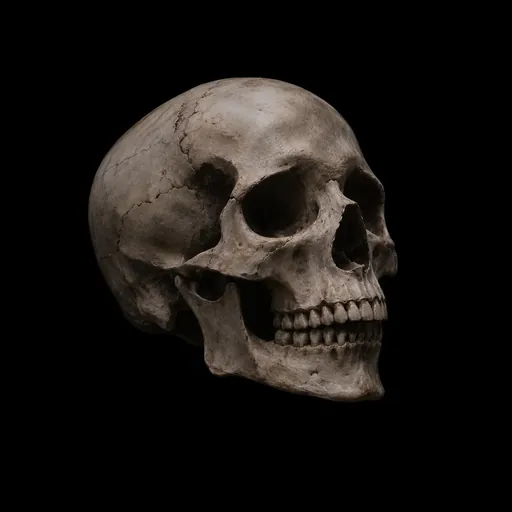
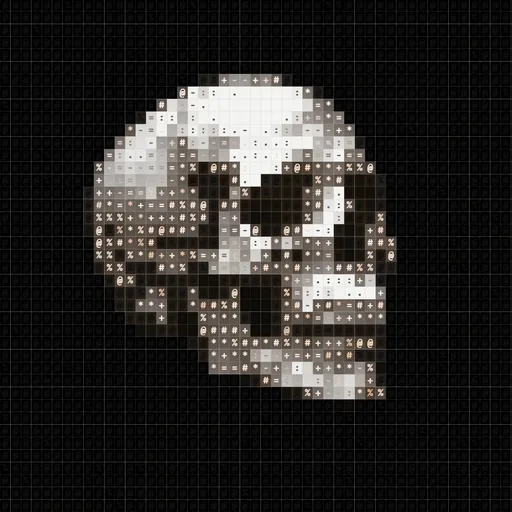
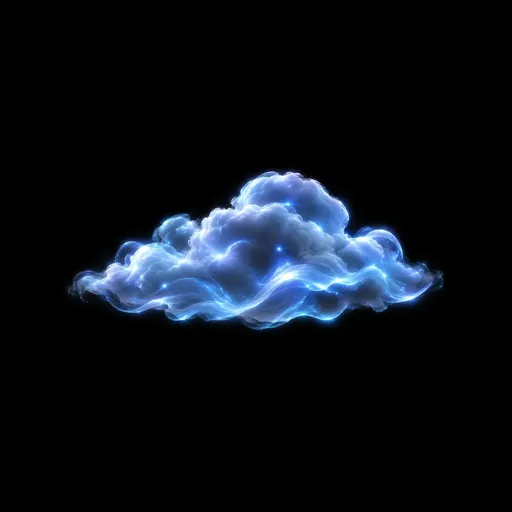
How to convert an image to ASCII art
- 1
Open the studio and drop an image onto the canvas, or pick one of the sample photos.
- 2
In the effects list, open the ASCII category and click ASCII Art. It is added to the shader stack and its settings open on the right.
- 3
Set Font Size for how many characters fit across, choose a Character Set, and pick Mono, Color or Terminal mode.
- 4
Fine-tune contrast, gamma and Edge Emphasis until the shapes read clearly. Invert Mapping swaps which tones get the dense characters.
- 5
Click Export and save a PNG, JPG or BMP at the original size or 2× (3× and 4× with Pro).
What people make with it
- Posters, album covers and zine pages with a typographic, terminal-style look
- Profile pictures and banners for developer, music and gaming communities
- Animated ASCII loops from a short video clip, exported as GIF or MP4
- Overlaying characters on the original photo (Overlay mode) for a subtle text texture
ASCII effects in RasterLab
ASCII Art
FreeReal typed characters mapped to the brightness of the picture, in mono, colour or green-on-black terminal style.
Border ASCII
FreeTraces the edges of the picture in line-art characters: - / | \ and + where lines meet.
Paper ASCII
FreeGrey character tiles on gridded paper, darkest where the image is dark, with a few glyphs in colour.
Dream ASCII
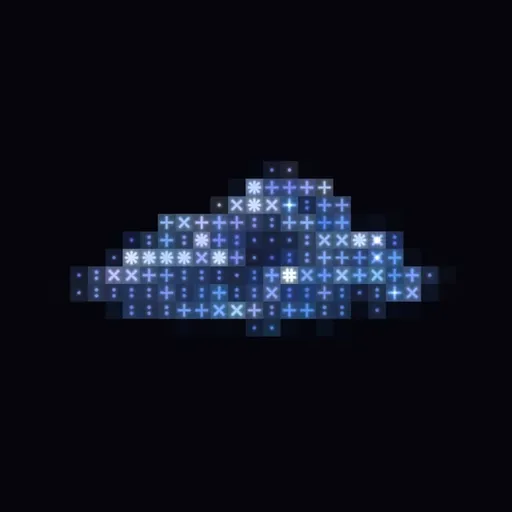
FreeSoft pastel glyphs in the picture’s own colours, each with a halo, over a starry night sky.
Dissolve
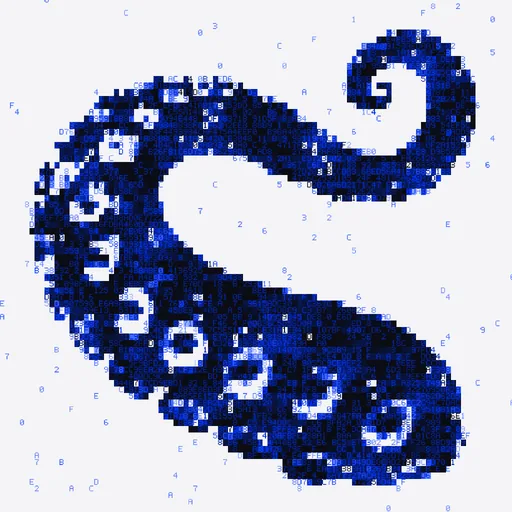
FreeDark areas fill in as solid character blocks while light areas break up into stray glyphs.
Honeycomb
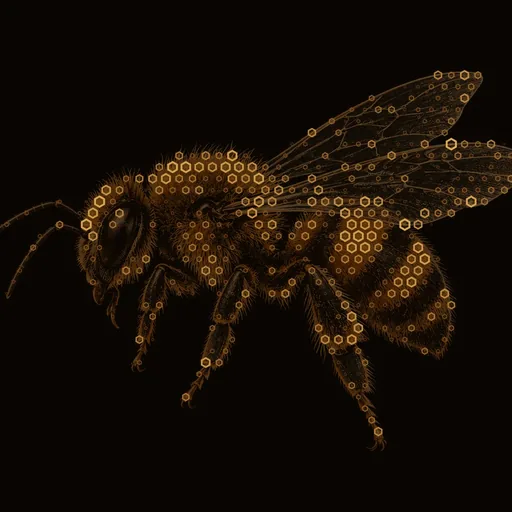
FreeEvery cell a small hexagon, sized and coloured by the picture beneath it.
Glyphs
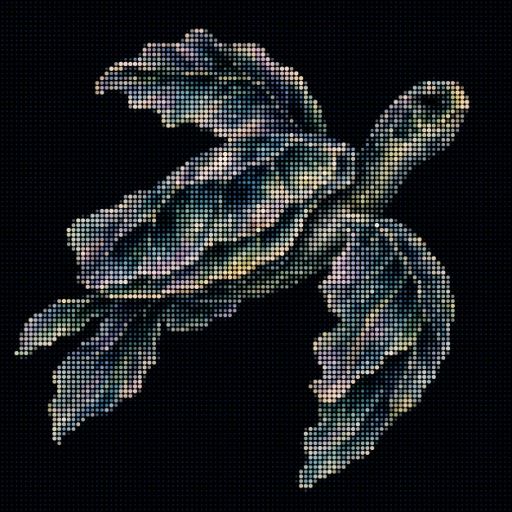
FreeDots, crosses, diamonds, strokes, block shades, pixel-font type or braille, sized by the image.
Digital Rain
FreeFalling streams of characters over the image, with a glowing head on each stream.
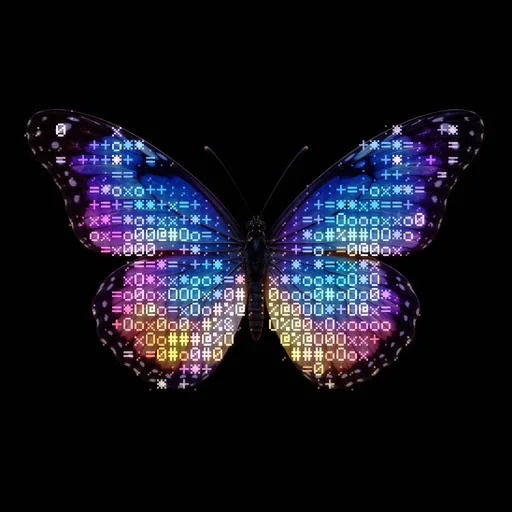
ASCII Galaxy
ProCrisp glowing glyphs in violet-blue over a night-tinted copy of the image.
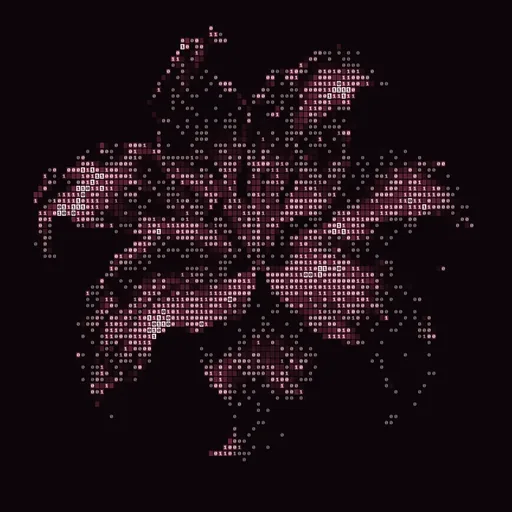
Tile ASCII
ProA terminal grid where every character sits on its own lit tile.
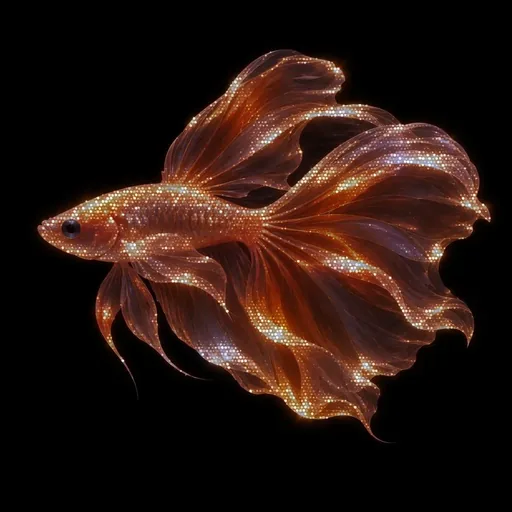
Stardust
ProThe image redrawn in small star glyphs that glow and flare.
Free effects need no account. Pro effects are part of RasterLab Pro.
Questions
Is the image to ASCII converter free?
Yes. ASCII Art, Border ASCII, Paper ASCII, Dream ASCII, Dissolve, Honeycomb, Glyphs and Digital Rain are free with no account. ASCII Galaxy, Tile ASCII and Stardust are part of RasterLab Pro.
Can I copy the ASCII art as text?
No. RasterLab draws the characters as an image, so you export a picture (PNG, JPG, BMP), an animation (GIF) or a video rather than a .txt file.
Can I use my own characters?
Yes. Choose “Write your own” as the Character Set and type up to 32 characters from lightest to darkest. Start with a space to leave the darkest or lightest areas empty.
Can I turn a video into ASCII art?
Yes. Open a short MP4 or WebM clip instead of a photo. Every frame runs through the effect, and you can export the result as a video or a GIF.
Is my image uploaded?
No. RasterLab runs in your browser: the picture opens straight onto your own graphics card and is never uploaded to a server.
Keep exploring
- ASCII art generator Online ASCII art generator
- Dithering Image dithering tool
- Halftone Halftone generator
- Shader editor Online GLSL shader editor for images
Try it on your own image.
Runs in your desktop browser. No install, no upload, and no account for the free effects.