
Image dithering tool
Reduce a photo to a handful of colours the way old consoles, printers and 1-bit screens did. RasterLab’s Dither effect previews every change live on your GPU, and it is free.
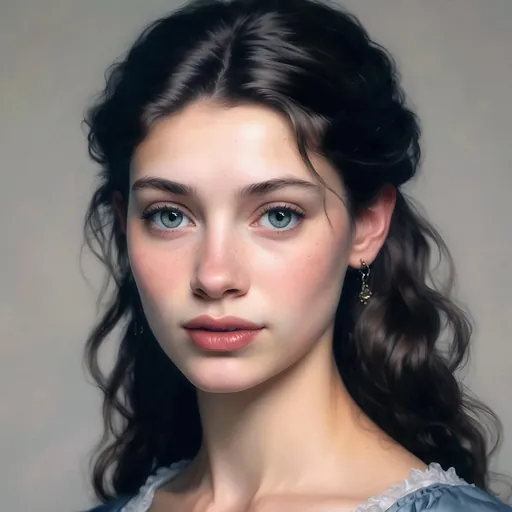
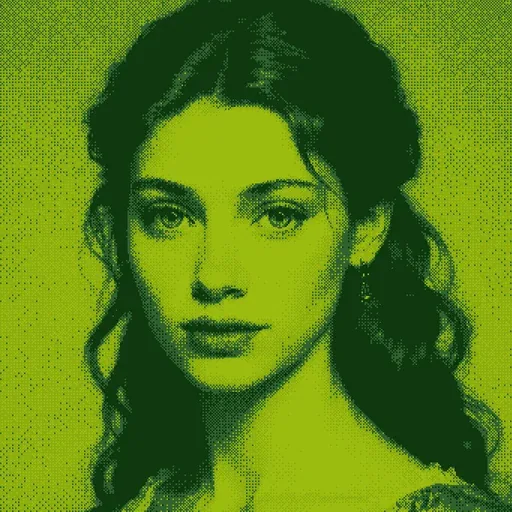
What dithering does
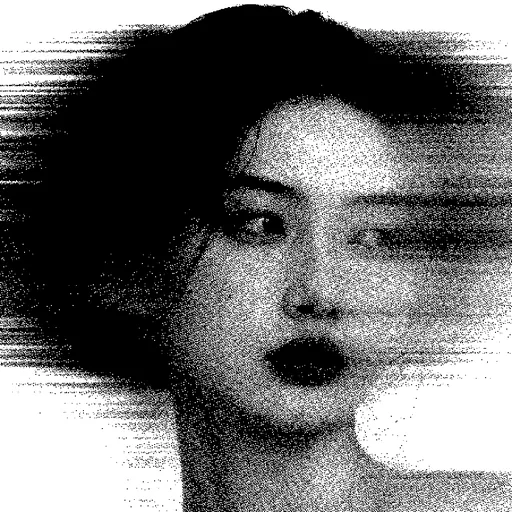
Dithering fakes tones a palette can’t show by scattering the colours it can. A mid-grey in a black-and-white image becomes a pattern of black and white pixels that the eye blends back into grey. The pattern you choose gives the image its character.
RasterLab’s Dither effect includes ordered Bayer matrices (2×2, 4×4, 8×8 and 16×16) for the classic crosshatch, halftone and radial dot patterns, horizontal, vertical and diagonal lines, and white or blue noise for a finer, less regular grain. Pixel Size makes the dither chunky or fine, and Spread controls how strongly it mixes the tones.
The Palette setting snaps the result to Mono 1-bit, 2- or 3-bit grey, Game Boy, CGA, PICO-8, C64, NES, 3-bit RGB, Cyberpunk, Pastel, Risograph or Sepia, posterizes the original colours, or uses any two colours you pick.
Before and after
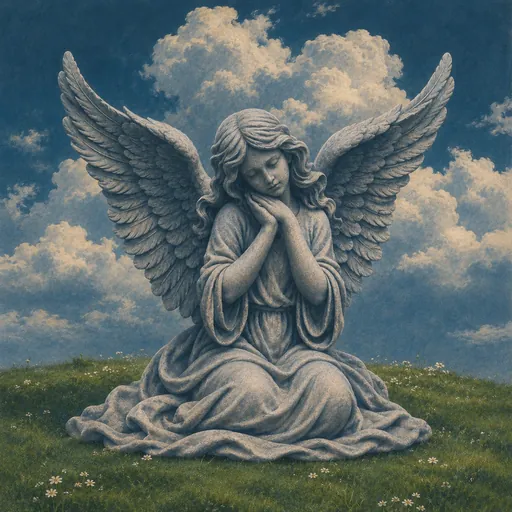
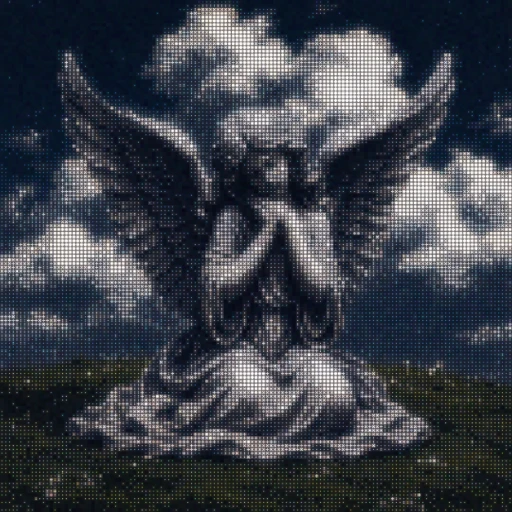

How to dither an image
- 1
Open the studio and drop in your image.
- 2
Click Dither in the effects list (Texture category).
- 3
Choose an Algorithm: Bayer 4×4 or 8×8 for a classic retro look, Blue Noise for the smoothest gradients.
- 4
Choose a Palette, such as Mono 1-bit or Game Boy, or Custom 2-Color to pick your own dark and light colours.
- 5
Raise Pixel Size for chunkier pixels, then export a PNG (lossless, keeps every dot crisp) or a GIF.
What people make with it
- Game Boy, PICO-8 and 8-bit style artwork from photos
- 1-bit images for e-ink displays, thermal printers and low-colour screens
- Risograph- and zine-style prints with a limited palette
- Retro textures and backgrounds for websites and games
Effects for dithered and retro looks
Dither
FreeBayer, halftone, line and noise dithering, snapped to retro palettes such as Game Boy, CGA, PICO-8 or 1-bit.
Pixel
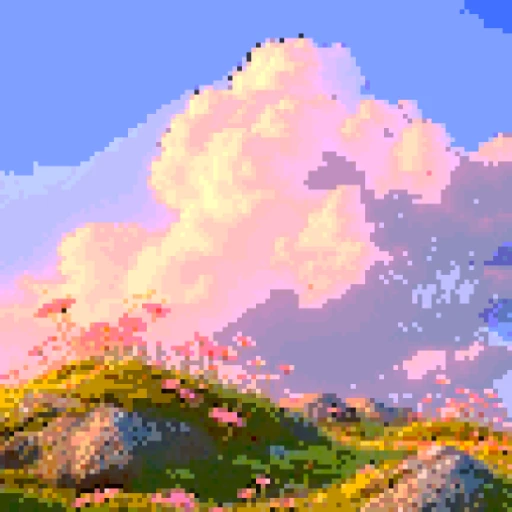
ProFlat pixel art, grouted mosaic or isometric voxels, snapped to a retro palette.
Pixel Grid
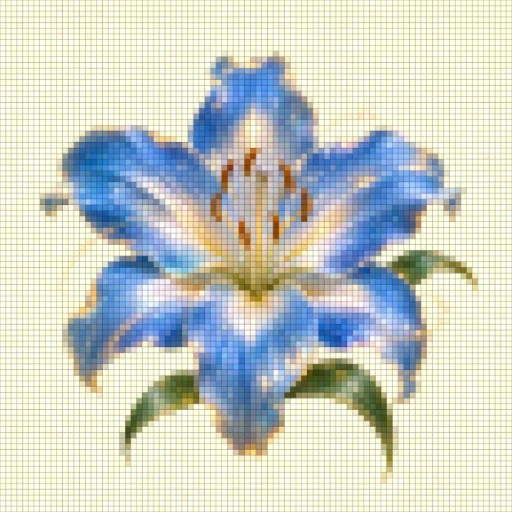
FreeA pixel-art chart of soft cushioned squares in the photo’s colours, ruled by thin grid lines.
Halftone
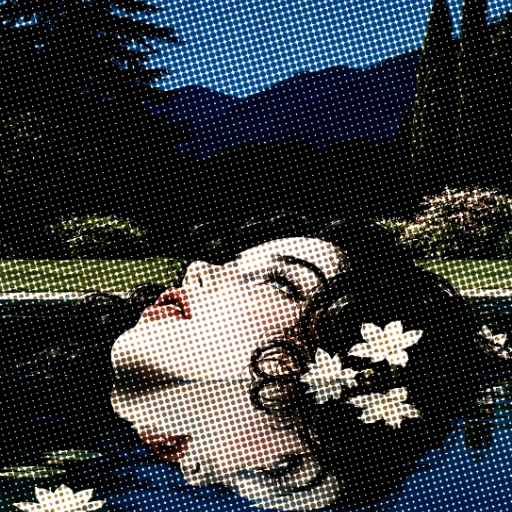
ProPrint screens of dots, lines, rings, mesh or wavy strings, in one ink, the photo’s colour or RGB.

Grain
FreeAnimated analog film grain or digital static.
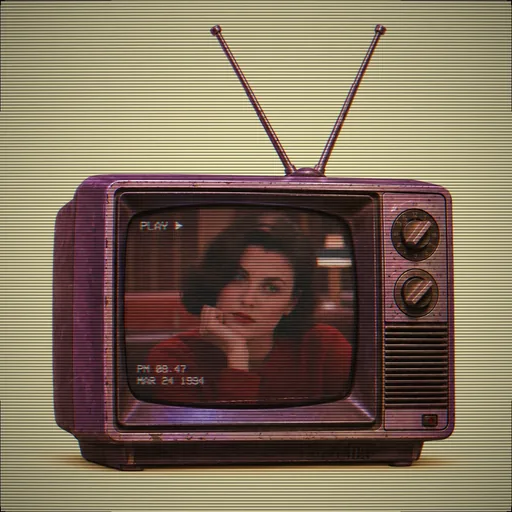
CRT / VHS
FreeA curved CRT screen, plain scanlines, or crushed VHS static with tracking glitches.
Free effects need no account. Pro effects are part of RasterLab Pro.
Questions
Is the dithering tool free?
Yes. Dither, with every algorithm and palette, is one of RasterLab’s free effects. The two presets shown above, which combine Dither with other effects, are part of Pro.
Which dithering algorithm should I use?
Bayer (ordered) dithering gives the regular crosshatch associated with old games and Mac paint programs. Blue noise gives a finer, more even grain with fewer visible patterns. Line patterns suit engraving and print looks.
Does RasterLab support Floyd–Steinberg error diffusion?
Not at the moment. The Dither effect uses ordered (Bayer), pattern and noise dithering, which run per pixel on the GPU so they preview in real time.
Can I dither a video or GIF?
You can open a short MP4 or WebM video and export the dithered result as a video or GIF.
Which format should I export?
PNG, because it is lossless and keeps every dithered pixel exact. JPG compression blurs the pattern.
Keep exploring
- Pixel art Photo to pixel art converter
- Halftone Halftone generator
- Glitch & retro effects Glitch, VHS and CRT effects
- Image to ASCII Image to ASCII art converter
Try it on your own image.
Runs in your desktop browser. No install, no upload, and no account for the free effects.